
Creative design
Design Using Canva
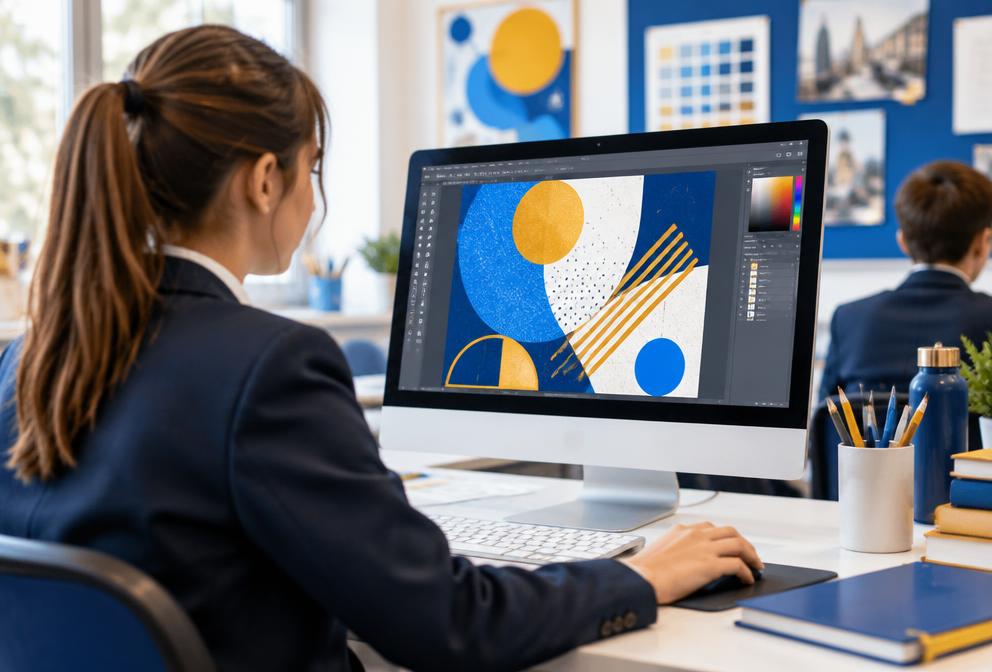
Explore graphic design by creating posters, presentations and digital content.
What students learn
- Design principles
- Layouts
- Typography
- Presentations
- Social media graphics
Learning outcomes
- Communicate ideas visually
- Create polished designs
- Build digital confidence
Course overview
Designing Using Canva – Creative Digital Design for Kids
Students learn graphic design fundamentals and digital creativity using Canva, a beginner-friendly online design platform.
Learners create posters, cards, presentations, videos and mini-branding projects, finishing with a portfolio they can proudly share or print.
Age group
Ages 8–16 (no prior experience required)
Total duration
35–45 hours
Format
10 modules (3–5 hours each) · ideal for an 8–10 week programme
By the end of the course, learners will be able to
- 1Use Canva to design posters, cards, slides, videos and infographics
- 2Apply design principles: balance, contrast, alignment and hierarchy
- 3Use colours, fonts and images effectively
- 4Work with templates and create their own layouts
- 5Export, present and share designs online safely
- 6Create a mini portfolio of original designs
Tools & platforms
Platform
Hardware
Optional
10 modules
Course modules
- Module 1Introduction to Canva and Digital Design
- Module 2Understanding Design Basics (Colour, Font and Layout)
- Module 3Working with Shapes, Icons and Illustrations
- Module 4Designing with Images and Photo Editing
- Module 5Creating Invitations, Cards and Certificates
- Module 6Designing Presentations and Slides
- Module 7Storytelling with Posters and Infographics
- Module 8Designing Videos and Animations in Canva
- Module 9Branding and Creative Projects
- Module 10Final Project – Design, Present and Share Your Portfolio
Certificate of Completion
Awarded for completing all modules and presenting the final project.
What comes next
Progression pathways
- Graphic Design Fundamentals (Adobe Express or Figma)
- Brand Design for Teens
- Content Creation and Social Media Design
- Video Editing and Animation for Beginners
How tuition works
Students can learn in supportive small groups or through individual tuition. Lessons follow clear objectives, guided practice and regular feedback. Academic courses cover the relevant National Curriculum and OCR, Edexcel, AQA or Cambridge requirements where applicable.