
Creative coding
Coding in Scratch
A visual introduction to programming through interactive stories, animations and games.
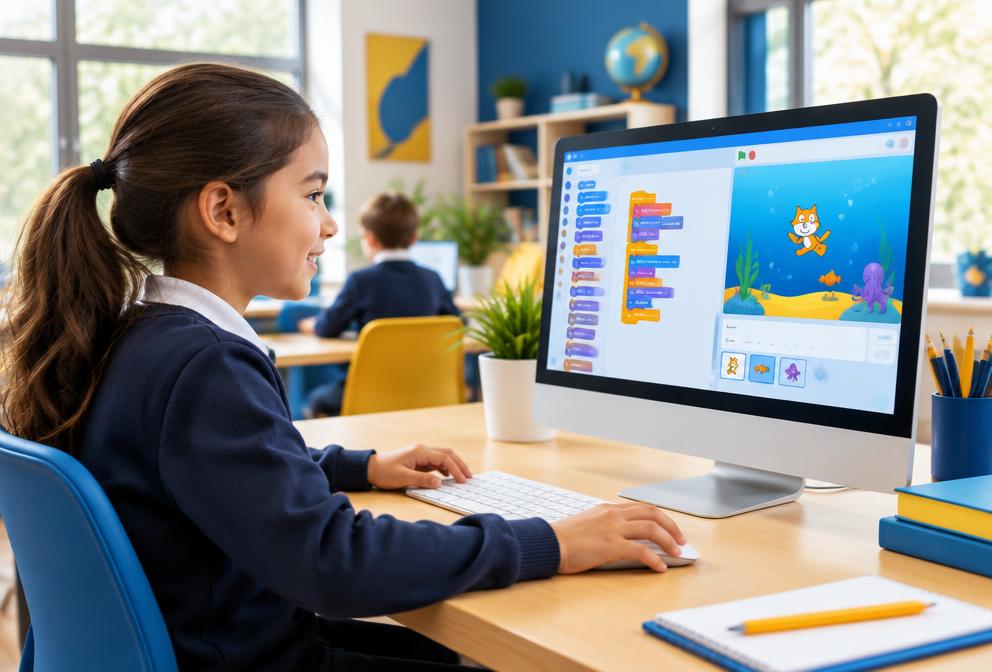
What students learn
- Visual programming blocks
- Logic and sequencing
- Animation
- Interactive storytelling
- Game design
Learning outcomes
- Understand programming logic
- Create original projects
- Build confidence through experimentation
Course overview
Coding in Scratch – Creative Game and Animation Design for Kids
Students are introduced to coding through Scratch, a visual, block-based programming language developed by MIT.
Children learn to design games, animations and interactive stories while developing key problem-solving, logic and creativity skills.
Age group
Beginner track: ages 7–10
Intermediate track: ages 11–14
Total duration
40–50 hours
Format
10 modules (4–5 hours each) · in class or online, project-based
By the end of the course, learners will be able to
- 1Understand the basics of coding logic, loops and variables
- 2Use Scratch to design, code and share their own projects
- 3Animate sprites, create interactive stories and build simple games
- 4Apply debugging and problem-solving strategies
- 5Collaborate and present their coding projects confidently
Tools & platforms
Platform
Hardware
Experience
10 modules
Course modules
- Module 1Introduction to Scratch and Coding Concepts
- Module 2Events, Motion and Sequencing
- Module 3Loops, Timing and Repetition
- Module 4Using Sounds, Costumes and Looks
- Module 5Conditional Logic and Decisions
- Module 6Variables and Scorekeeping
- Module 7Broadcast Messages and Game Mechanics
- Module 8Cloning, Advanced Animation and Effects
- Module 9Debugging and Polishing Projects
- Module 10Final Project – Create, Share and Present Your Game
Certificate of Completion
Awarded for completing all modules and presenting the final project.
What comes next
Progression pathways
- Game Development with Scratch Advanced
- Python for Beginners
- App Development with MIT App Inventor
- Robotics with Scratch & micro:bit
How tuition works
Students can learn in supportive small groups or through individual tuition. Lessons follow clear objectives, guided practice and regular feedback. Academic courses cover the relevant National Curriculum and OCR, Edexcel, AQA or Cambridge requirements where applicable.